A guard in a blue-and-black security polo with a chest-mounted P1 body camera talks with Maya wearing a horizontal BC1 Badge Cam in a sunlit lobby.

Wearable AI assistance for the work in front of you.

A frontline team
you can count on,
every shift.

Give your team a clear understanding of the world they work in and the knowledge to act. Help team members get the job done right, give supervisors visibility, and cut reporting time.

Cameras + app

Wear it.
Or use your phone.

Bring the team’s knowledge into the work and bring what you discover back to the team.

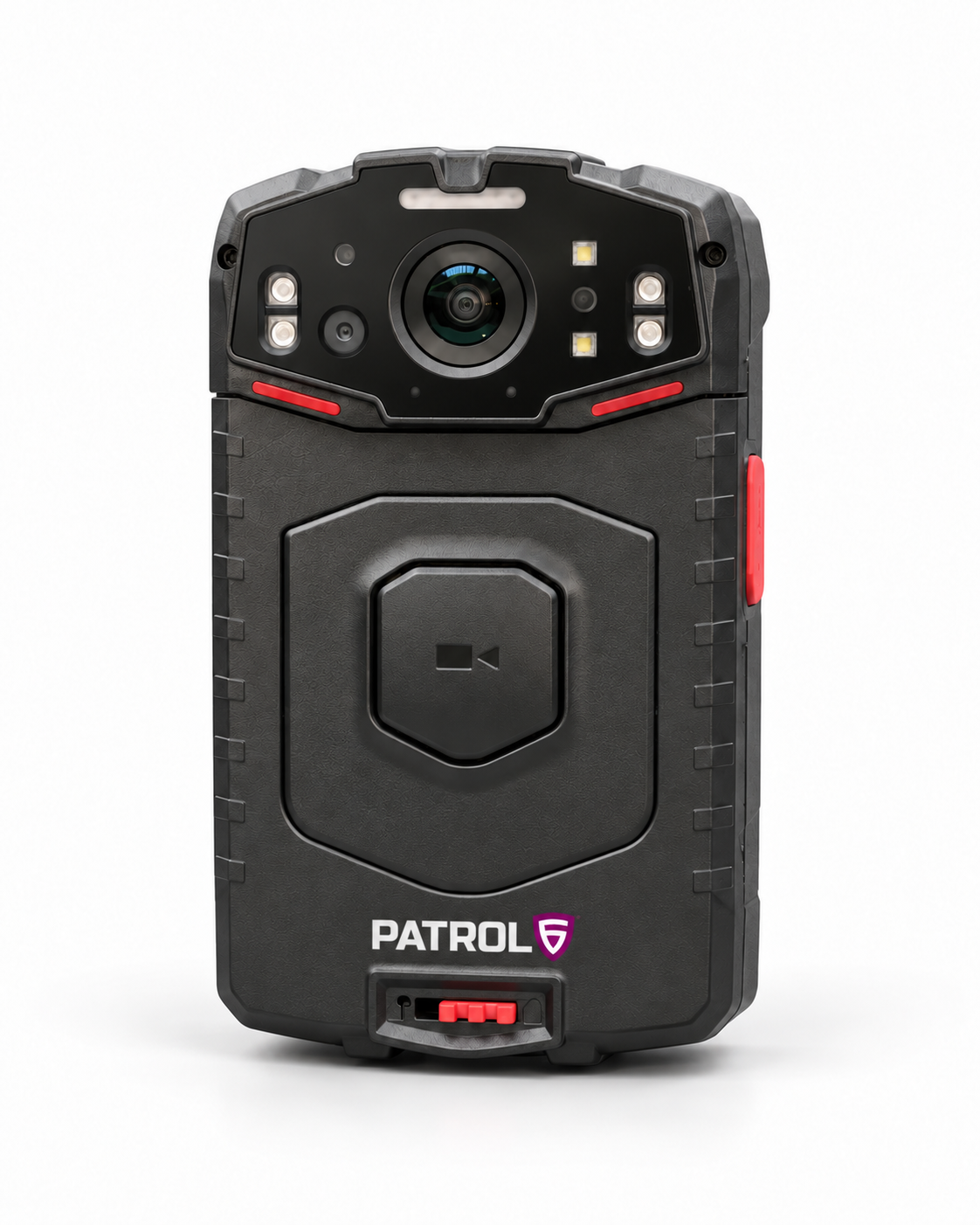
P1 body camera standing upright, showing its lens, recording button, PATROL logo and red controls.

P1 body camera

  • HD video + infrared night vision
  • IP67-rated protection
  • GPS, Wi-Fi + LTE
  • 10+ hour replaceable battery
  • 7 days of recall video
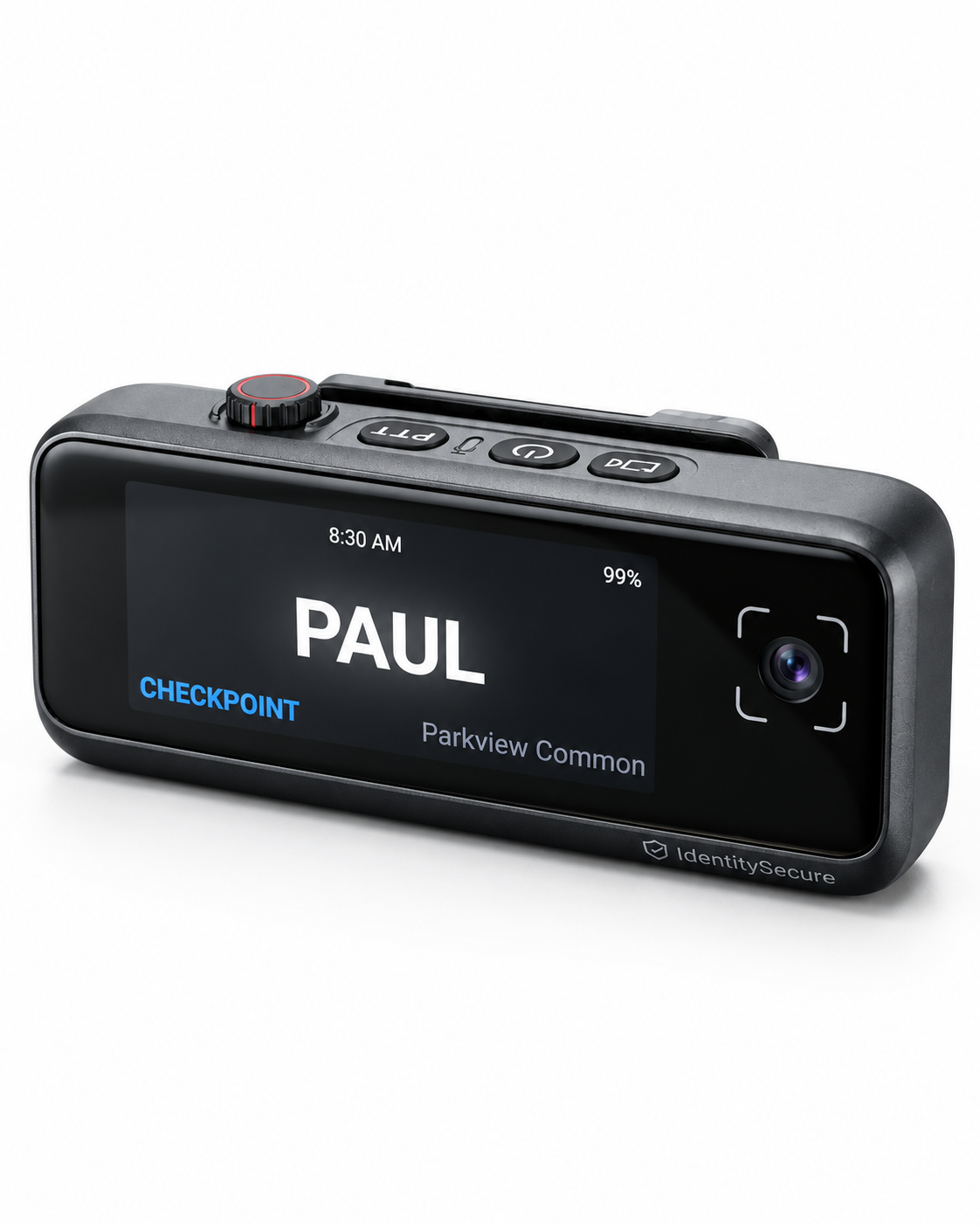
BC1 Badge Cam in a three-quarter view, showing its name display, camera lens and top controls.

BC1 Badge Cam

  • HD video recording
  • Clip-on name-badge design
  • GPS, Wi-Fi + LTE
  • Up to 10 hours of battery life
  • 7 days of audio + snapshot recall
  • Weight: 63 g
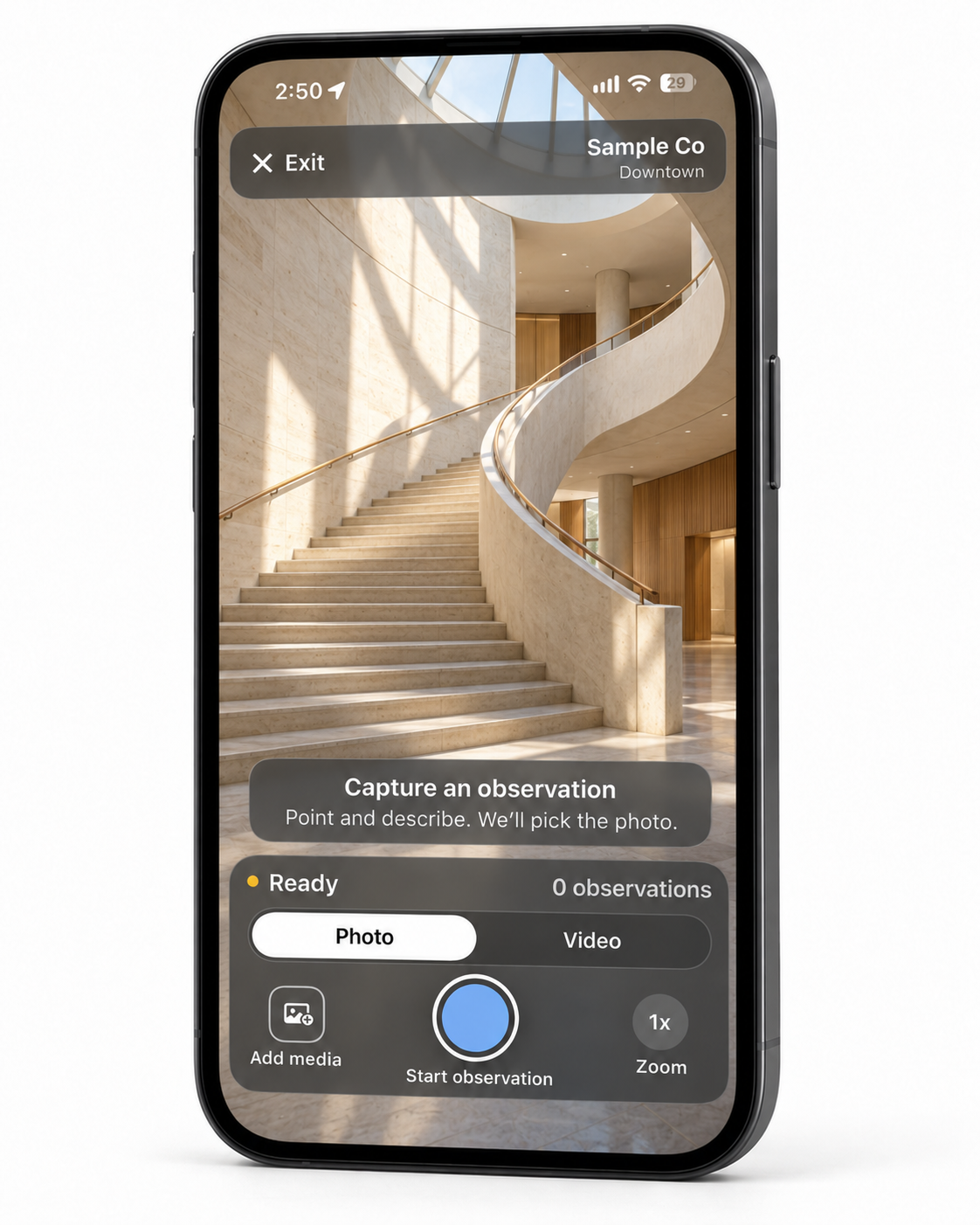
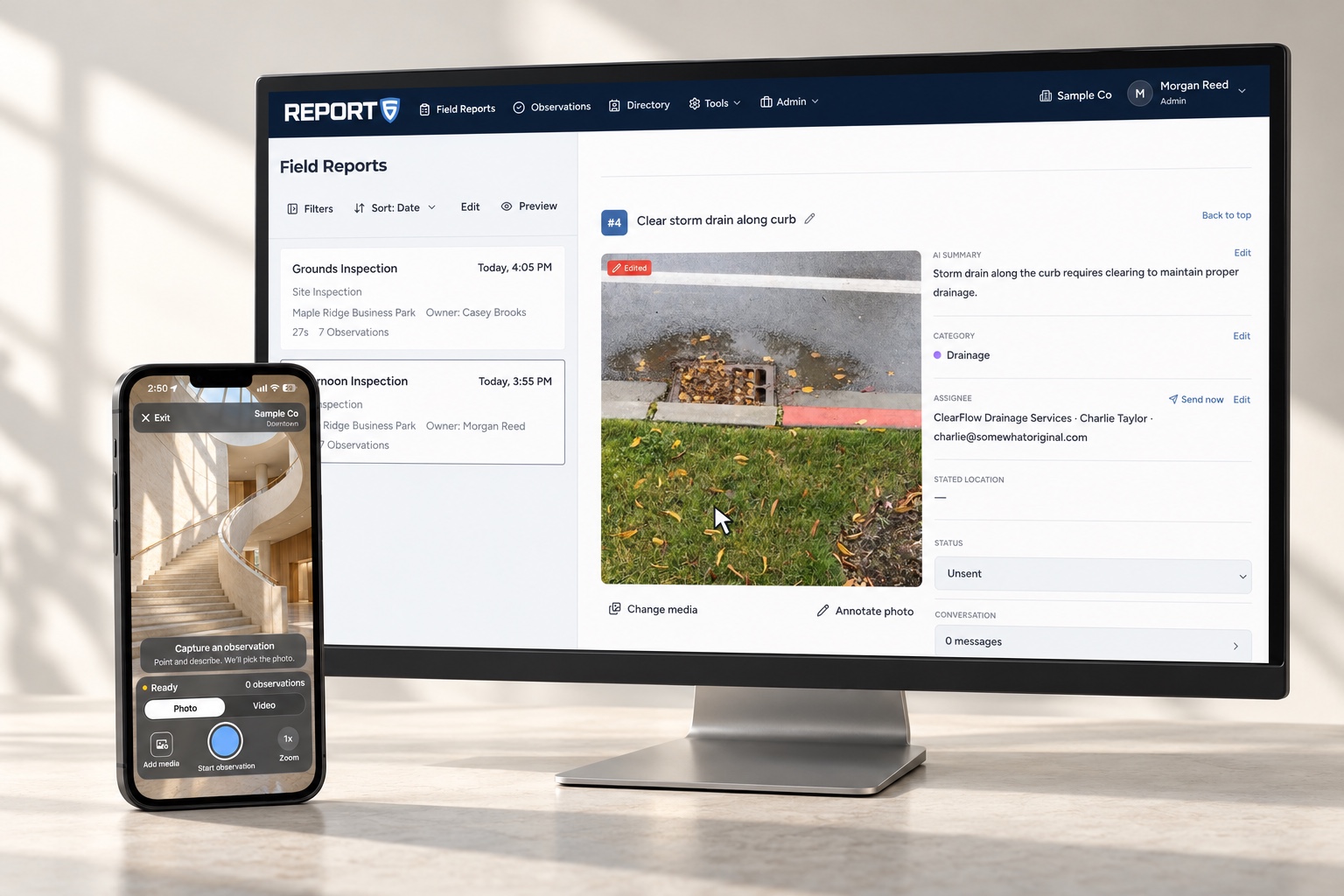
A generic phone showing Report6 ready to capture an observation of a sunlit stone atrium with a sculptural curved staircase.

Report6 phone app

  • iPhone + Android
  • Voice, photos, video + GPS capture
  • Automatic report generation
  • Capture offline, sync later
  • PDF, DOCX + share links

See what’s happening

Your team is out there.
You need to know what’s happening.

See what’s been done, where help is needed, and who’s following through.

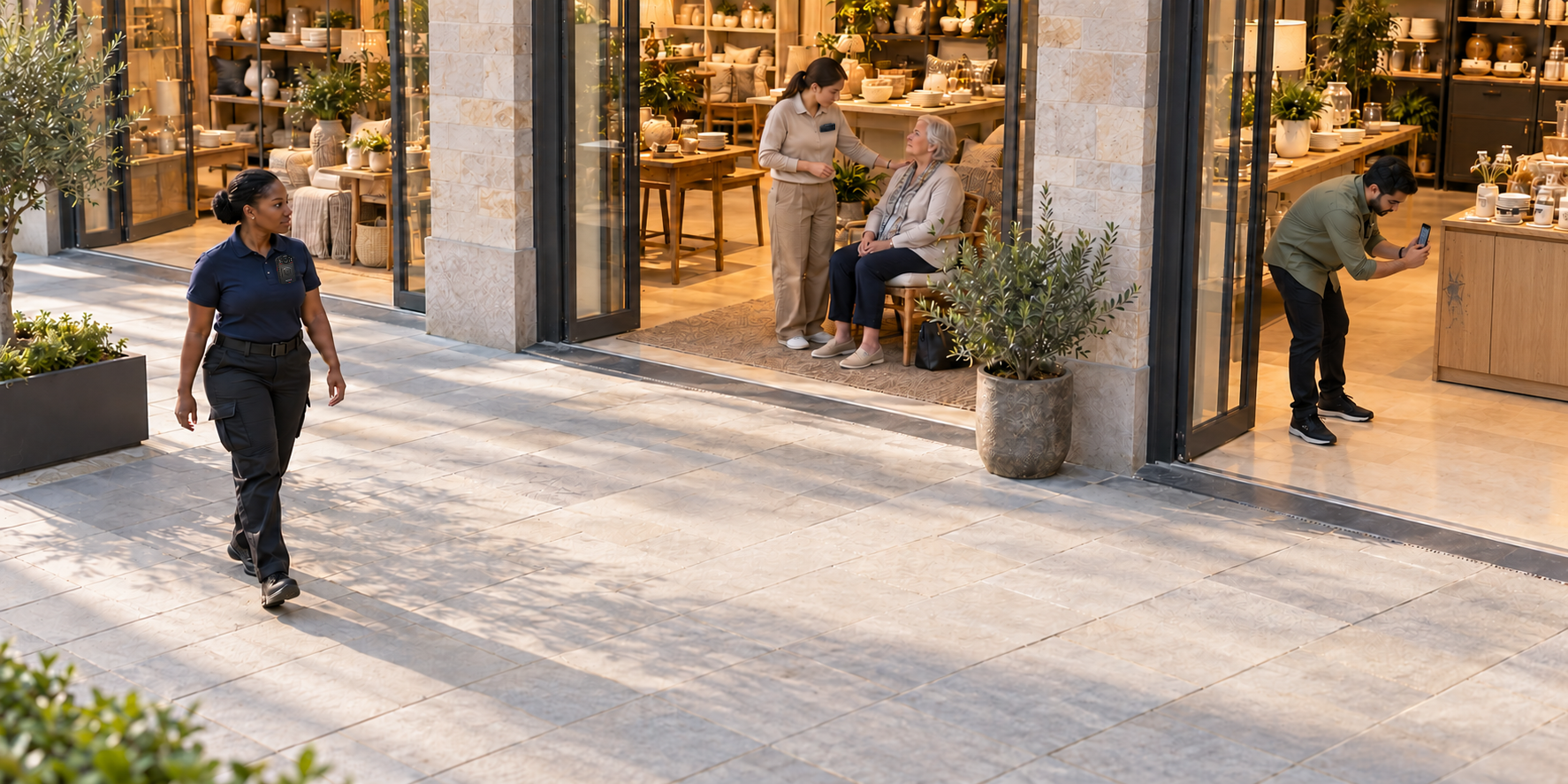
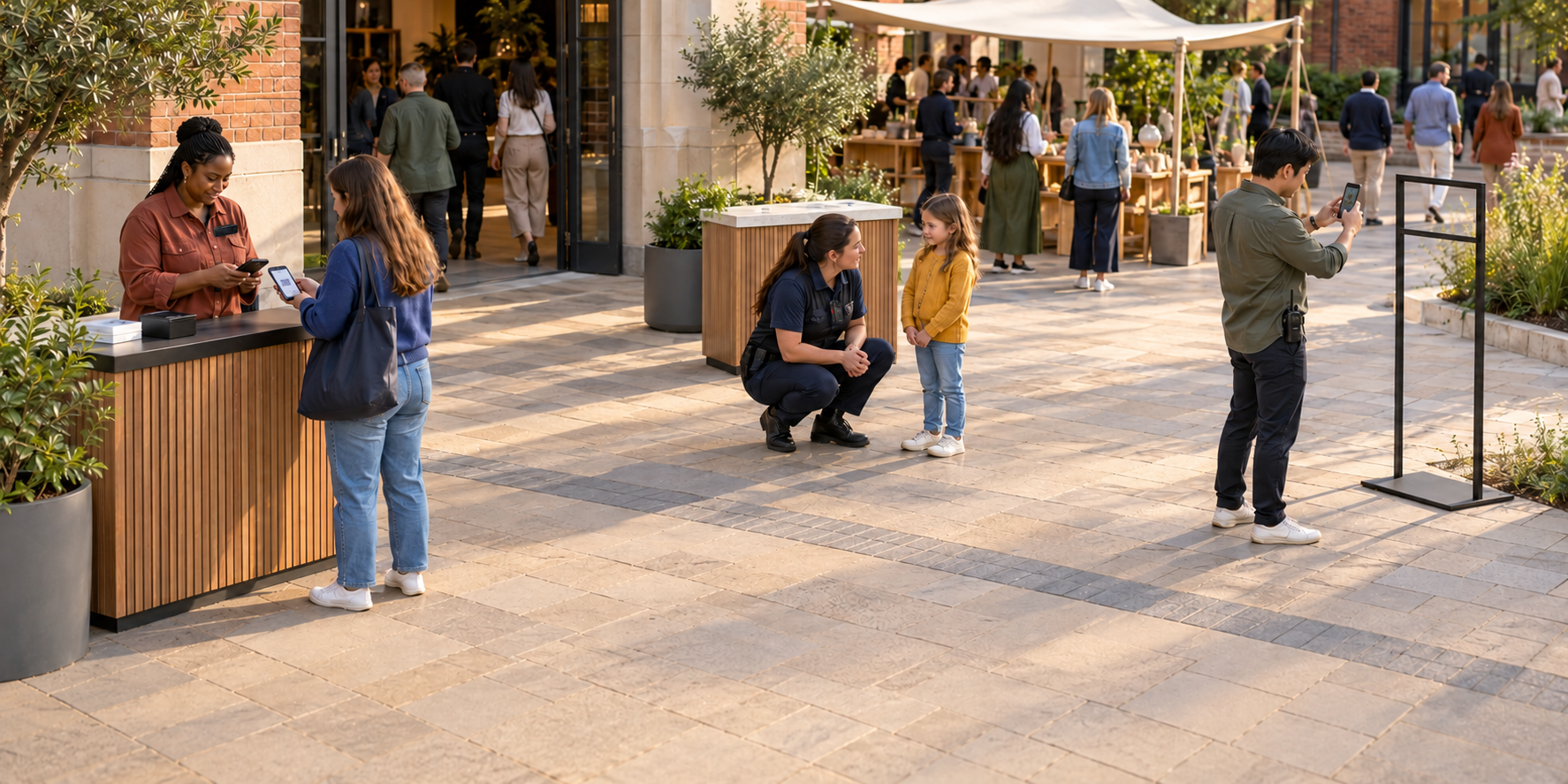
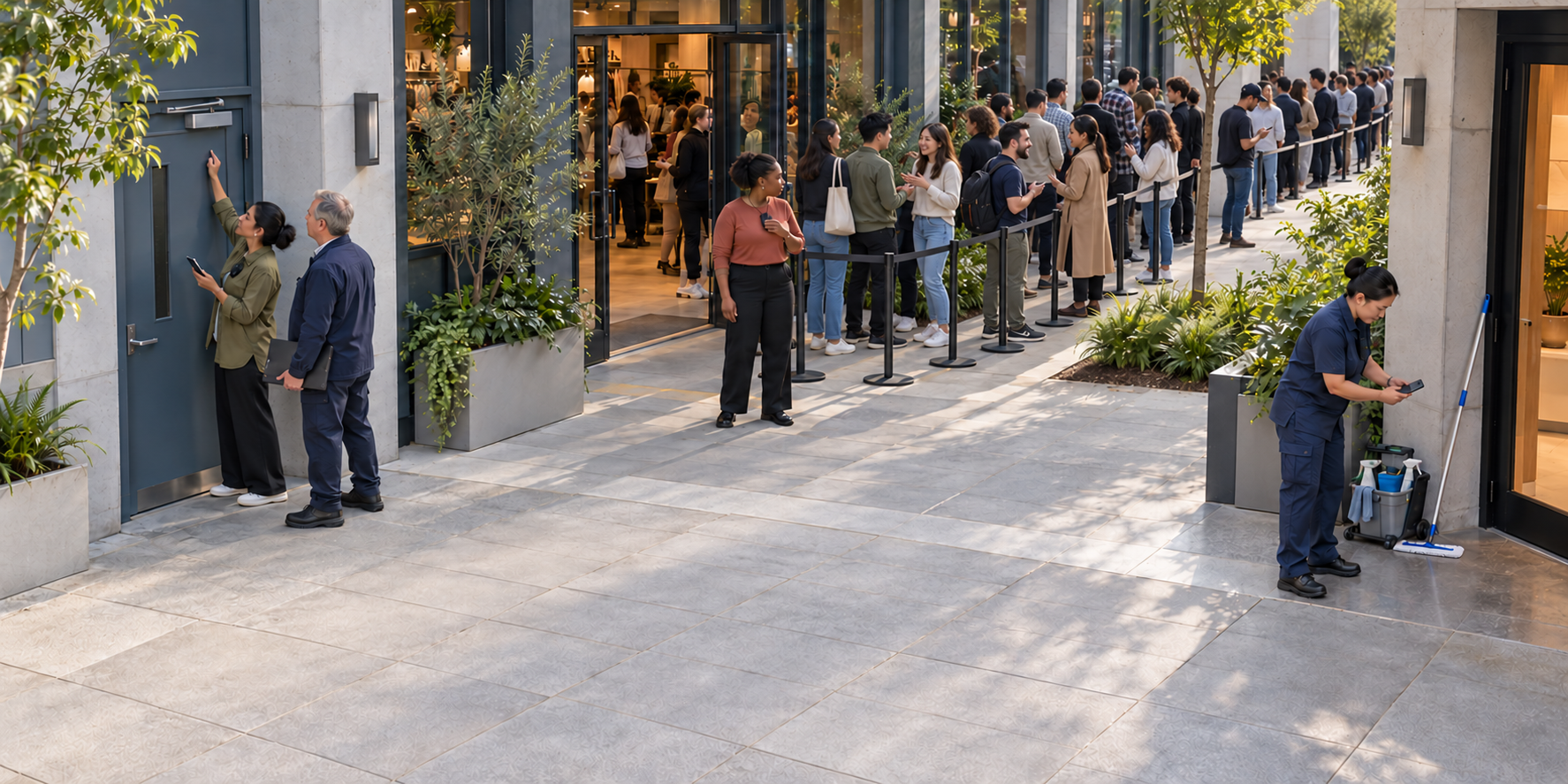
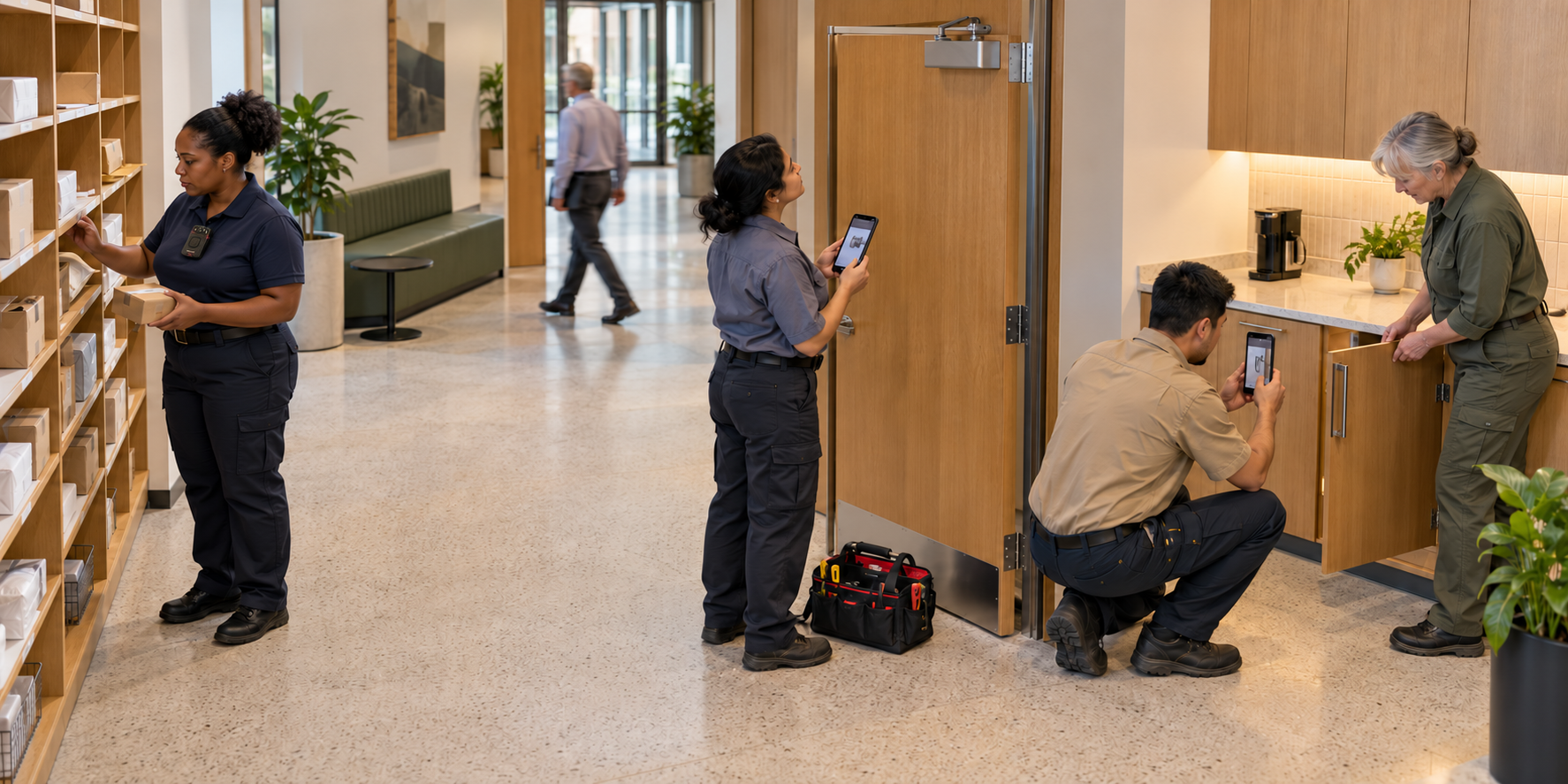
An elevated view outside homeware shops: a lone guard walks her route with a visible body camera, a retail worker presses her wearable beside a seated customer through an open doorway, and another worker holds his phone upright to photograph scuff marks on the vertical panel of a closed wooden display cabinet.
  1. East entranceHere now
    Checkpoint verified
    Time at checkpoint · 1m 24s
  2. Homeware aisleHelp requested
    Assistance requested
    Customer needs help
    First-aid responder assigned
  3. Homeware displayRetail colleague
    “Ask maintenance to refinish this panel after closing.”
    Assigned to maintenance

See the checks
behind “done.”

Verify completed work with routes and captured evidence, so you can answer the client without chasing the guard.

Know where
help is needed.

Use location and available footage to make informed decisions and direct help from the control room.

Know who’s on it.
See it through.

Give findings an owner and track the follow-through. See what is open, what was done, and what still needs checking.

Write reports faster

The report shouldn’t become a second job.

Turn captured work into detailed reports, ready to review and share.
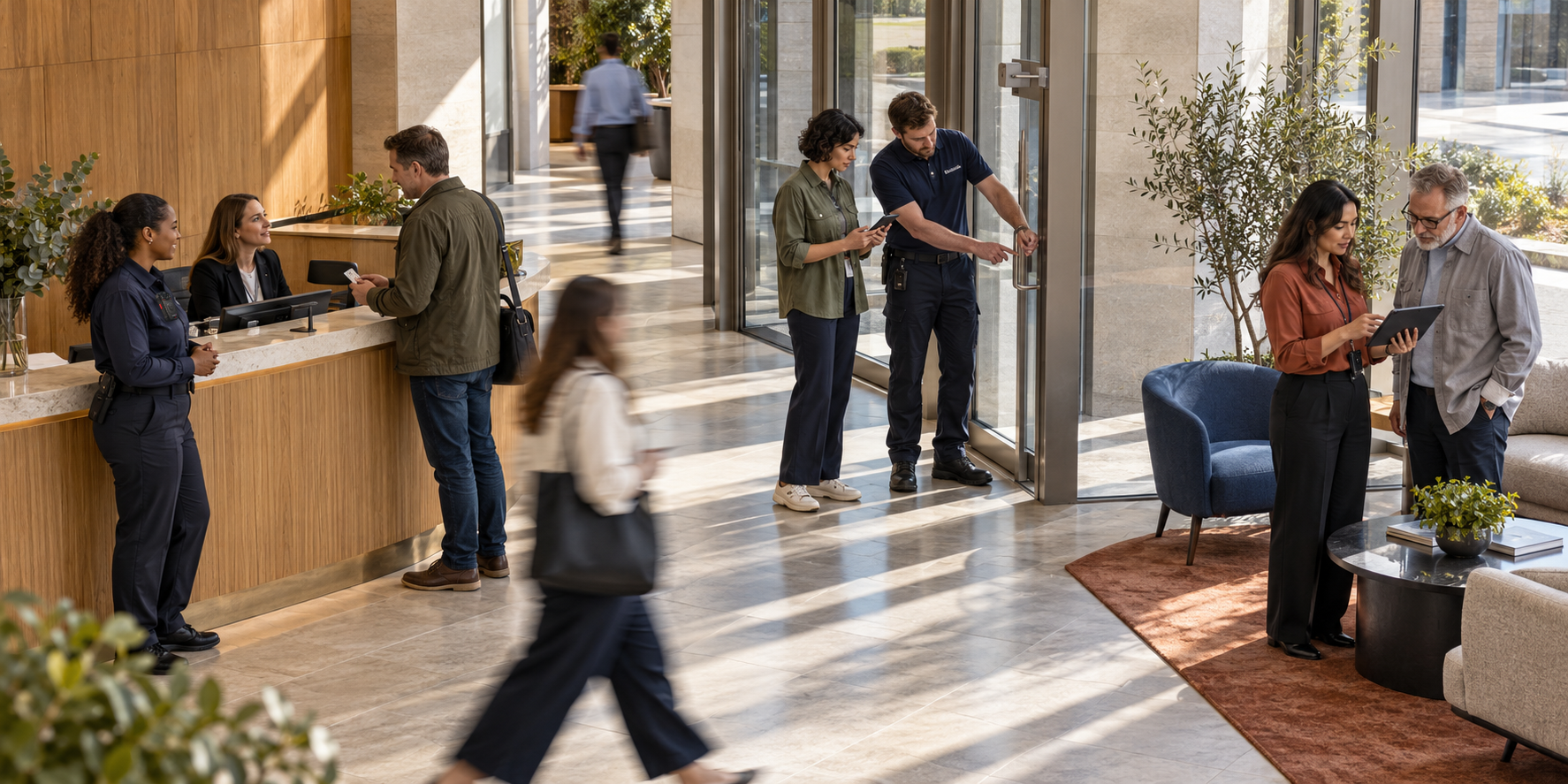
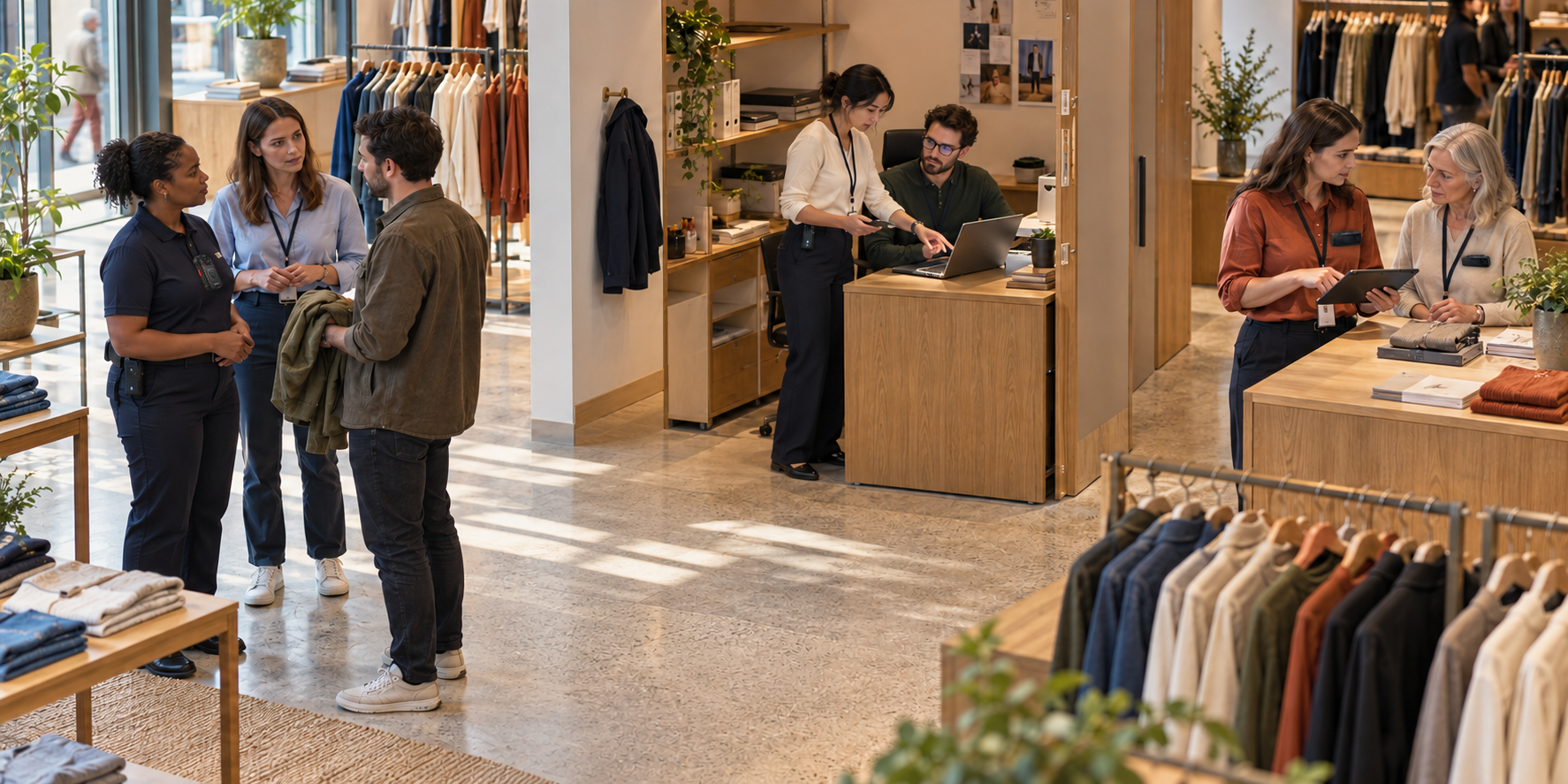
In a public office lobby, a guard helps a visitor at reception, a property manager records observations during a door inspection with a facilities colleague, and two colleagues review a management summary. Passing visitors have subtle motion blur.
  1. Reception incidentGenerated
    Full incident report ready
    Recorded details + timeline
  2. Building inspectionIn progress
    PDF ready when you return
    Observations + photos added as you walk
  3. Management summaryReady to share
    Key findings, summarised
    Overview + full inspection PDF

Finish the incident.
The report is already there.

Captured conversations, photos, and locations become a detailed incident report automatically. Review the account while the details are still fresh.

Return from the walkthrough.
Your PDF is ready.

As you record observations, Report6 organises the findings and photos into a complete inspection PDF, ready when you return to your desk.

Keep management informed.
Without another write-up.

Share the full report or a concise summary of findings and open issues. Keep management informed without preparing a separate account.

Speed up onboarding

Confident, independent work.

Give people guidance for the task, context for the next step, and feedback to keep improving.
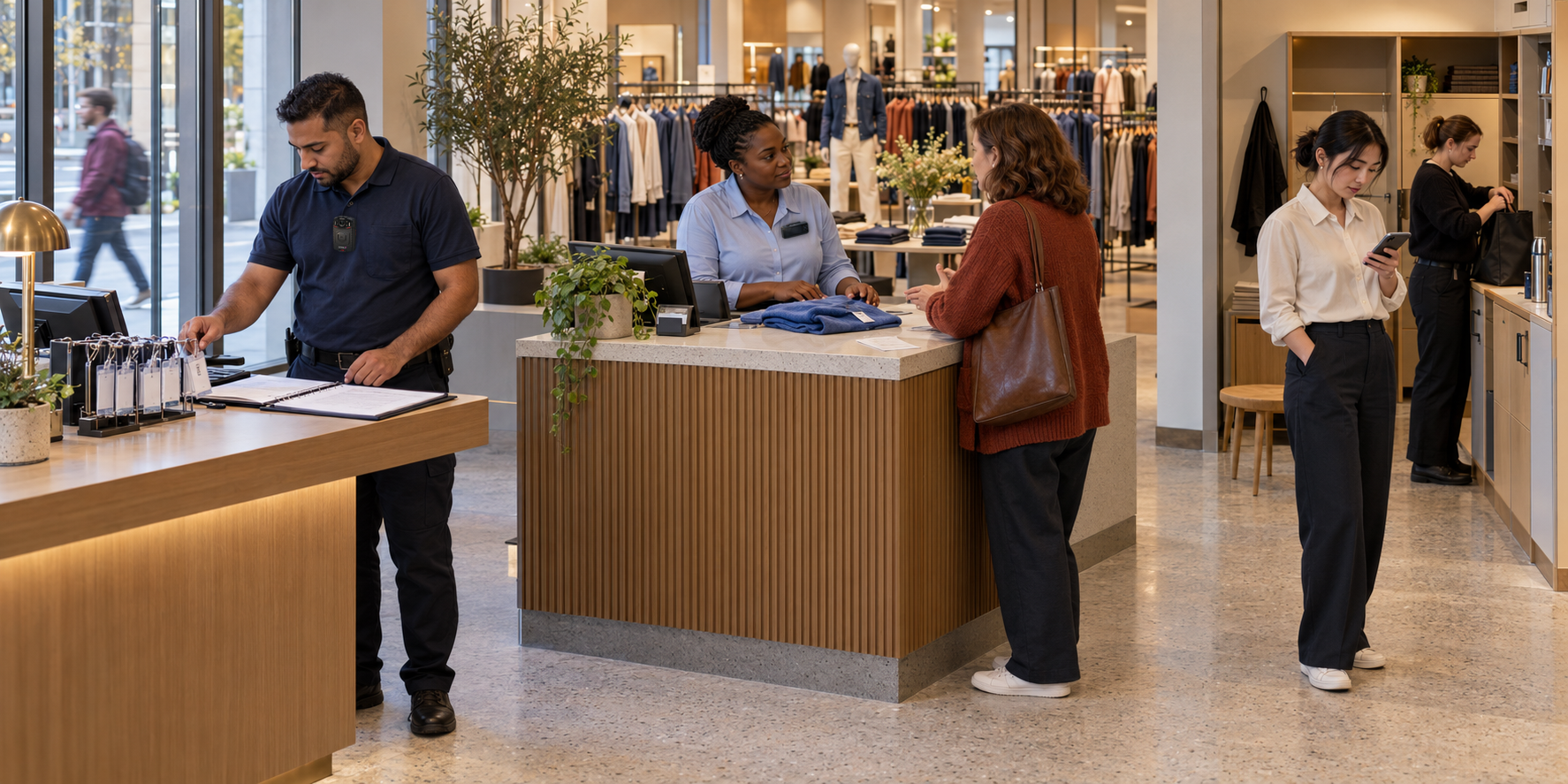
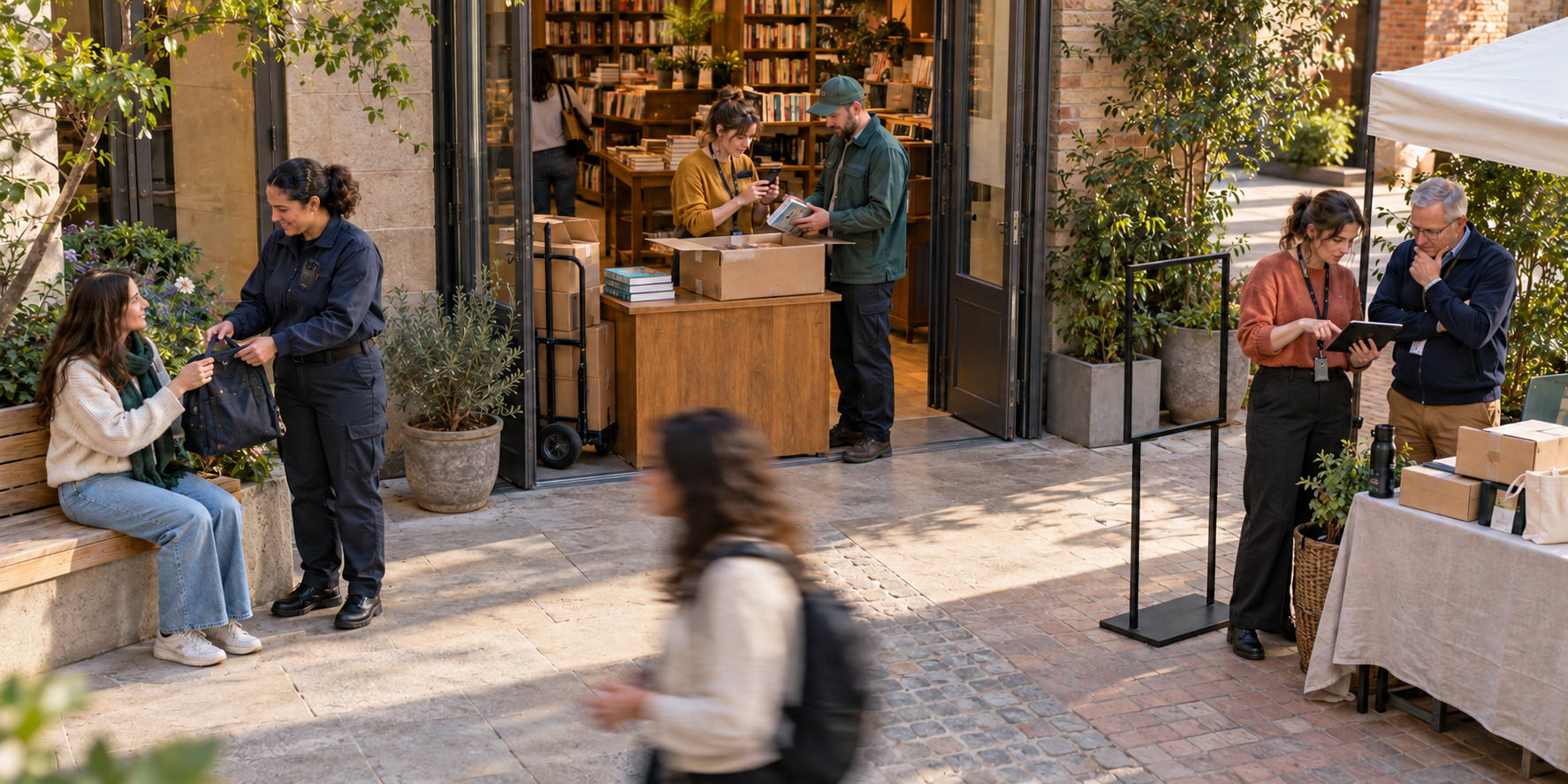
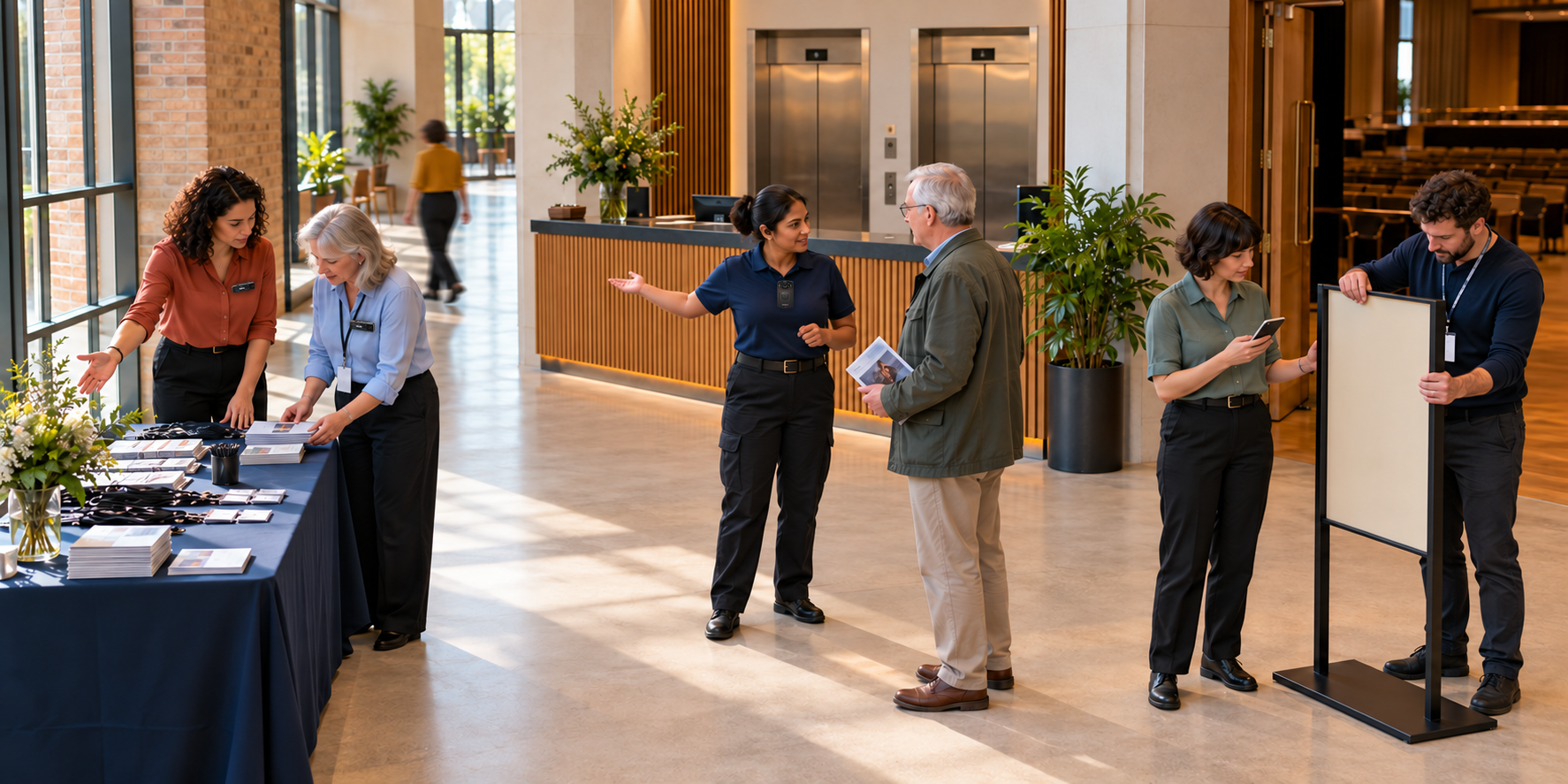
Inside a department store, a lone guard checks reception passes, a retail colleague helps a customer with a return, and another colleague reads her personal shift feedback. A blurred pedestrian passes outside.
  1. GuardReception
    “I forgot again—what do I check before reception closes?”
    Assistant: “Check the visitor register and note any unreturned passes.”
    Post orders · Reception
  2. AssistantReturns policy
    “Returns are accepted within 30 days with proof of purchase.”
    Store returns policy
  3. Personal feedbackShift complete
    Your feedback report is ready
    Based on today’s customer interactions

Give a new team member
a clear next step.

Speed up onboarding with approved procedures and reminders, helping new hires work independently with fewer repeated instructions from colleagues.

Ask the wearable.
Get guidance for this site.

Ask questions while you work. Answers grounded in site procedures and post orders support clearer decisions and fewer routine calls.

See what went well.
Know what to improve.

Automatic feedback after each shift highlights what went well and what to improve in your captured work. Add context or correct the record.

From the field

Across our portfolio, we need to know our properties are being looked after, not just hope they are. With PATROL6, we can see exactly what our security partners are doing on site. It’s given us a level of accountability we can count on.

Paul AsherVP of Property Management, Vestar

Connected Community.

Bring people together to keep a place running well. Share observations, solve problems, and build a common understanding of the work.

As people come and go, that knowledge stays—helping everyone pick up where others left off.

Light gray overhead map of an outdoor property, with muted green trees and shrubs, connected buildings, paths and a courtyard. An open store floor plan shows shelving aisles and a checkout counter.

How PATROL6 understands the job.

Five building blocks connect the work happening now with what your team knows.
Timely connectivity brings work into the system. Context connects the captured evidence to its place and history. Intelligence applies approved site knowledge. Output turns the work into reports. Reviewed learning feeds back into context and guidance for the next shift.
Timely01
Stay connected.
Wi-Fi + cellular
Questions and observations arrive while someone can act.
Context02
Build the picture.
Video + audio + GPS
Connect what happened to the place, time and earlier records.
Intelligence03
Apply site knowledge.
AI + documents + post orders
Match the situation with approved procedures to guide the next step.
Output04
Create the record.
Automatic reporting
Organize captured work into reports and structured findings, ready to review.
Learning05
Improve the next shift.
Reviewed feedback + shared knowledge
Approved tips, corrections and outcomes feed back into the context and guidance.
Each shift adds understanding for the next.

Request a demo

Fill out the form below and we’ll get back to you shortly.

Your contact details

* Required fields